
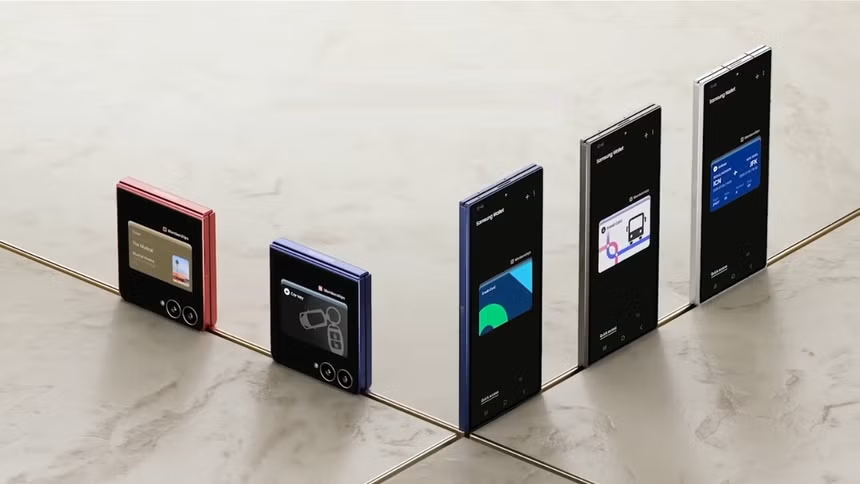

Samsung’s digital wallet begins its official deployment in the country. Find out which are the first compatible banks and how ‘Tap to Enroll’ technology works to register your cards.
Samsung Galaxy smartphone users in Peru can now leave their physical wallets at home. Samsung has officially begun the deployment of Samsung Wallet in the Peruvian market, allowing contactless payments (NFC) to be made safely using only the cell phone.
The application, which replaces the old Samsung Pass, is now available for download and update through the official Galaxy Store.
Banks and cards compatible in the first phase
For this official launch, Samsung has entered into strategic alliances with three of the country’s main financial entities, although with certain specifications by type of card:
- BCP: Enabled only for credit cards. (Debit cards from this bank are not available at this initial stage.)
- Interbank: Enabled for credit and debit cards.
- Scotiabank: Enabled for credit and debit cards.
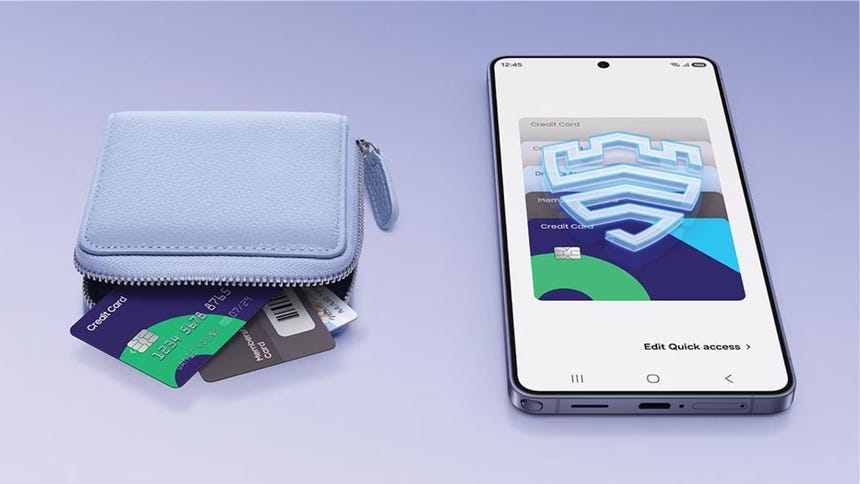
‘Tap to Enroll’: Instant registration with just one touch
One of the great novelties of the application in the country is the incorporation of the ‘Tap to Enroll’ function. This technology dramatically simplifies the user registration process, eliminating the need to manually enter the 16 digits of the card or take a photo of it.
With this system, the user only has to bring their physical plastic card close to the back of the smartphone. Thanks to proximity connectivity (NFC) technology, the phone reads the encrypted data from the chip immediately and securely, completing the registration in a matter of seconds.
Maximum security with biometric support
Samsung Wallet operates under the support of Samsung Knox, the Korean company’s military-grade security platform. Each transaction requires mandatory authentication via the user’s fingerprint or facial recognition, and actual card data is never stored on the device or shared with merchants, instead using a system of unique digital ‘tokens’ for each transaction.
How to start using it?
To activate the service today, Peruvian users must follow the following steps:
- Enter the Galaxy Store from your Samsung phone.
- Go to the ‘Updates’ section and download the latest version of Samsung Wallet.
- Make sure your Samsung Account is set to the “Peru” region.
- Open the app, select “Add Card” and use the Tap to Enroll method to link your compatible card.


